
- Standalone widget
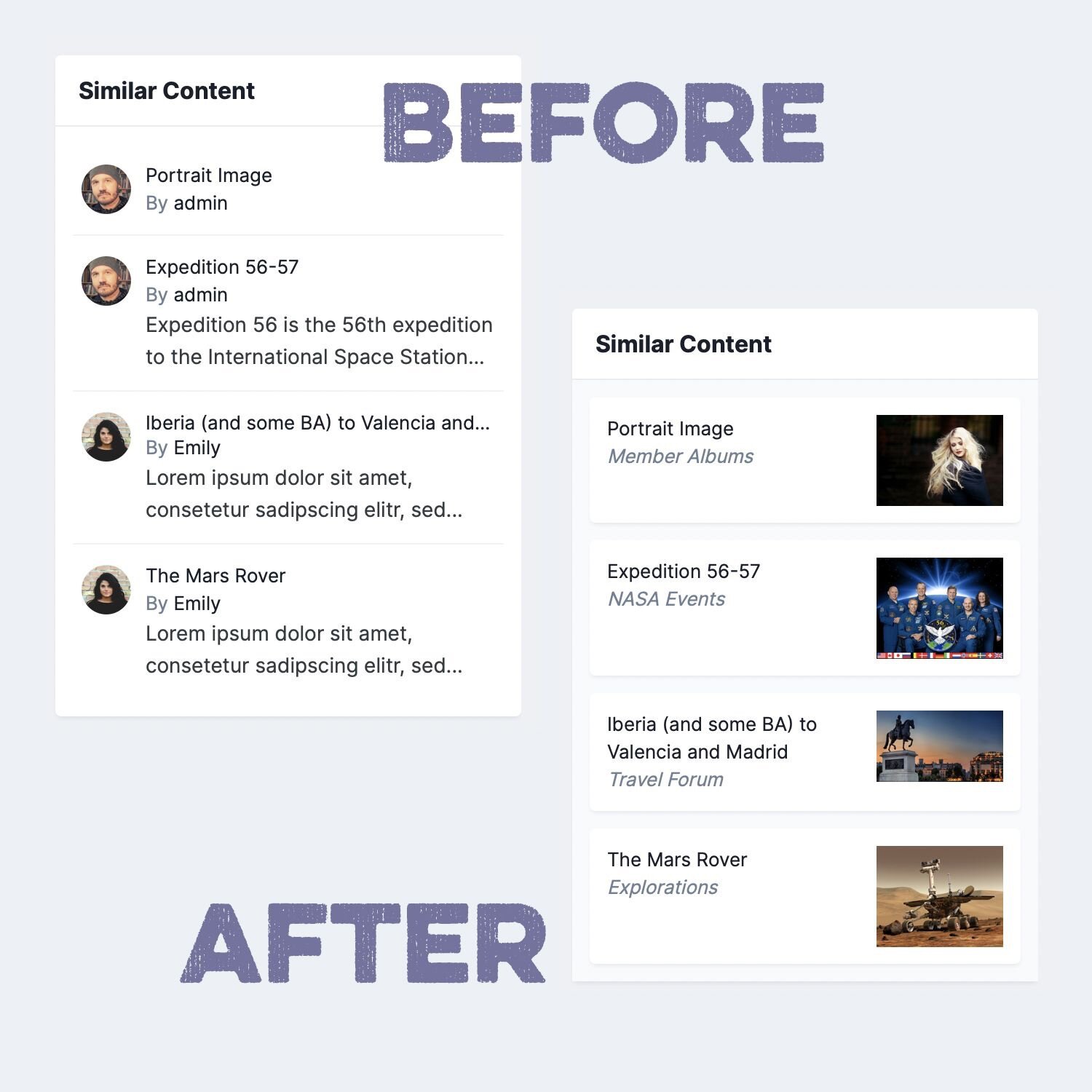
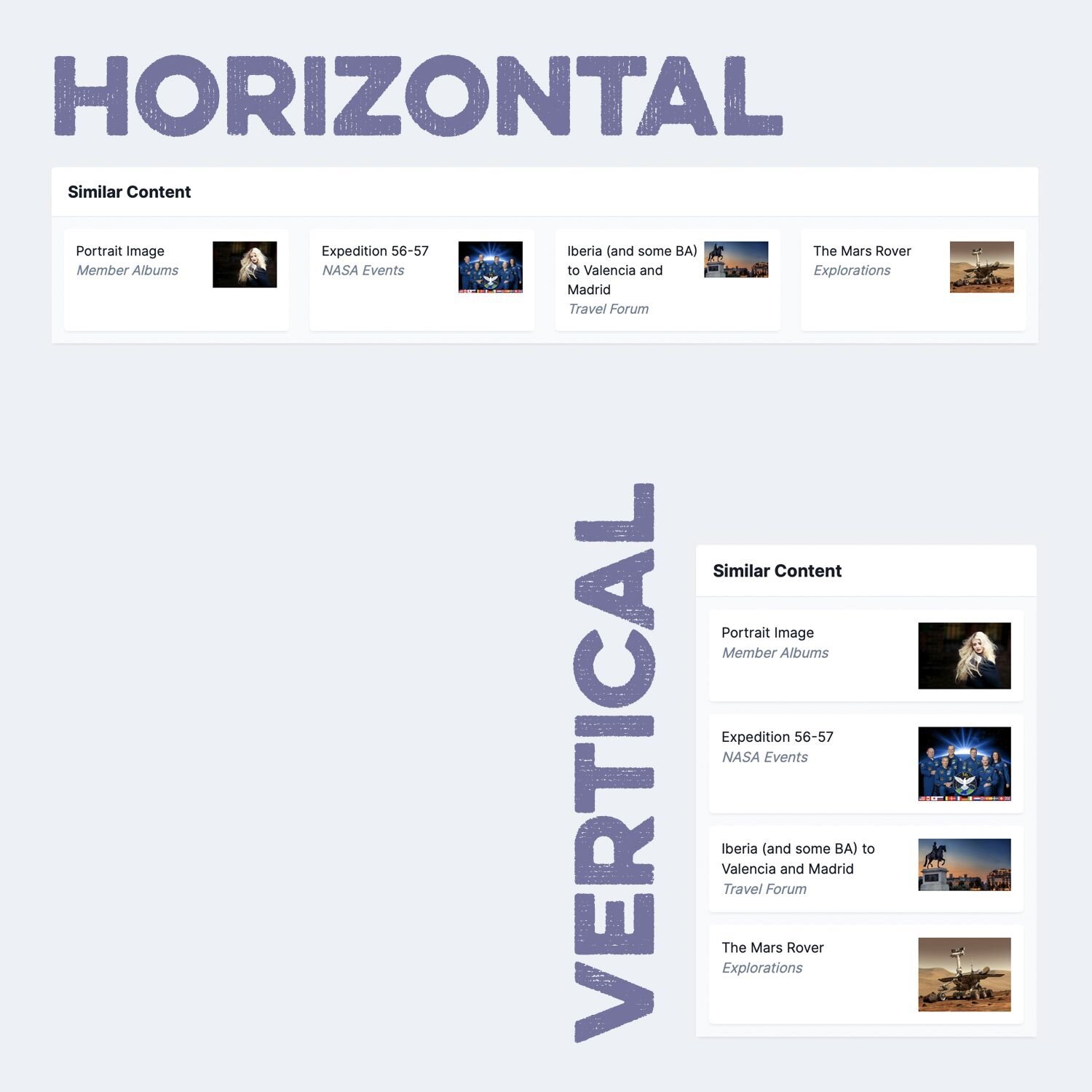
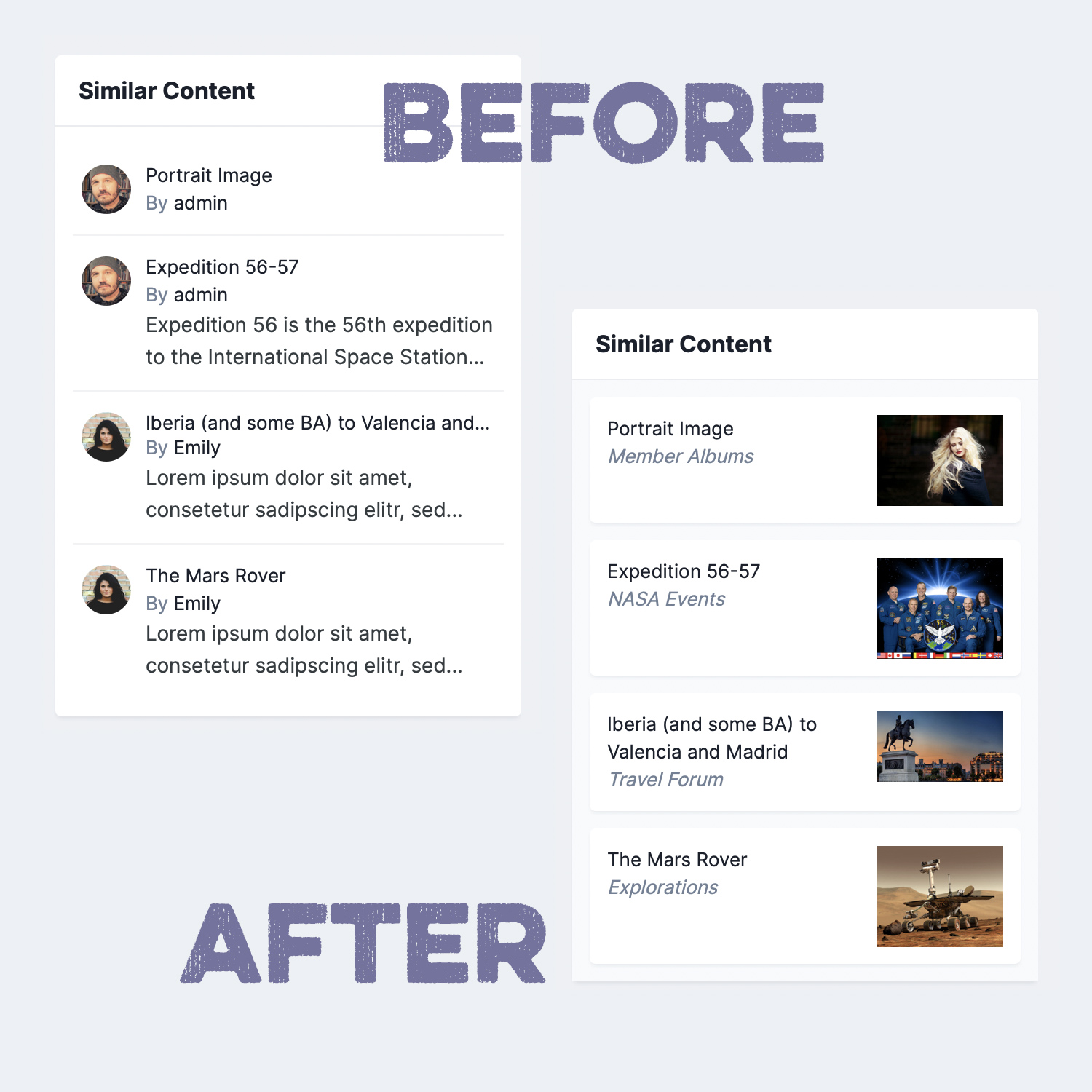
Tags and IPS’ Similar Content widget are a powerful way to provide helpful additional content on a page and to increase the page view count, since there are always more related entries suggested. Unfortunately, the stock version of the Similar Content widget is rather dull. This plugin takes the Similar Content widget to a new level. It retrieves images from the entries (where available) and it also shows the entry’s container name so your users understand where they will be taken before clicking on the entry. Additional settings (listed below) give admins more control over the content of the widget.
Directly Supported Content Types:
- Pages records
- Forum topics
- Download files
- Gallery images
- Calendar events
Settings:
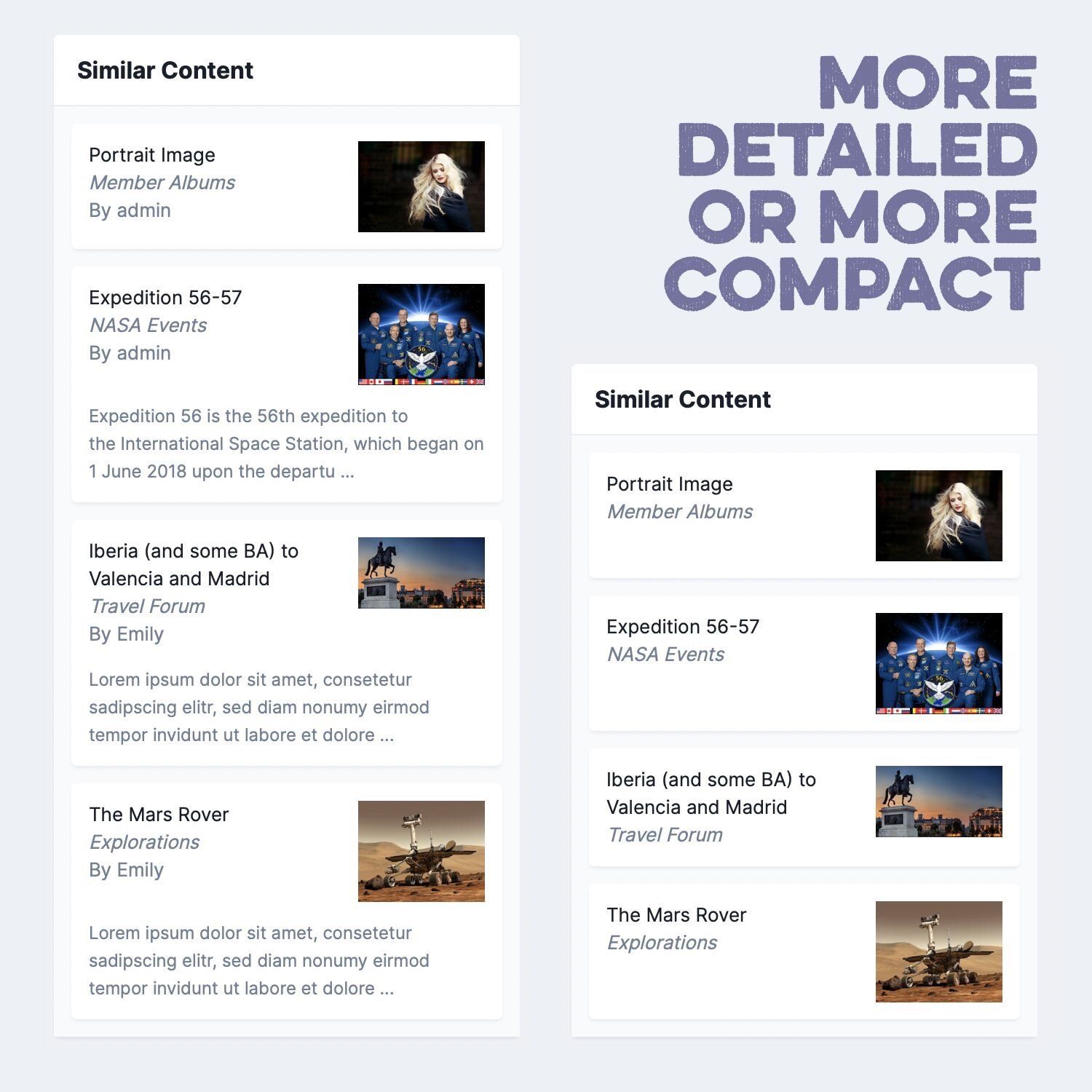
- Show/Hide entry author
- Show/Hide text preview
- Show/Hide forum images
- Show/Hide calendar images
- Widget background: “Area Background” or “Area Background Light”
Notes:
- The plugin only changes the look of the entries. It doesn’t influence which entries are shown or how they are ordered.