My 4.x products (Archive)
Products I used to offer for Invision Community 4.x.
21 Support entries in this category
-
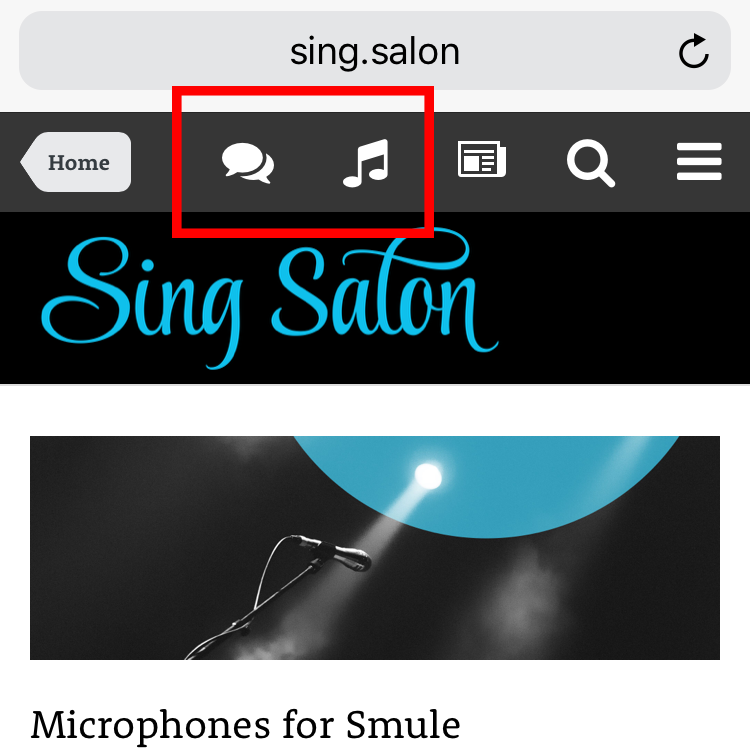
The mobile navigation bar only gives direct access to the search function and the default activity feed. Everything else is moved to an off-screen sidebar, which needs to be opened manually every time. With this plugin you can add one or two links to the mobile navbar, for example to: make your most important areas (like forums, shop …) more easily accessible on mobile devices link partner or social media sites add staff links to the admin or mod control panel provide more visible login/logou
- Core/theme extension
 opentype
- 2,132 views
-
Users can simply copy any song link from Apple Music and paste it in the editor. The plugin will turn the link into a native player. Album example: Song example:
- Core/theme extension
opentype- 1,815 views
-
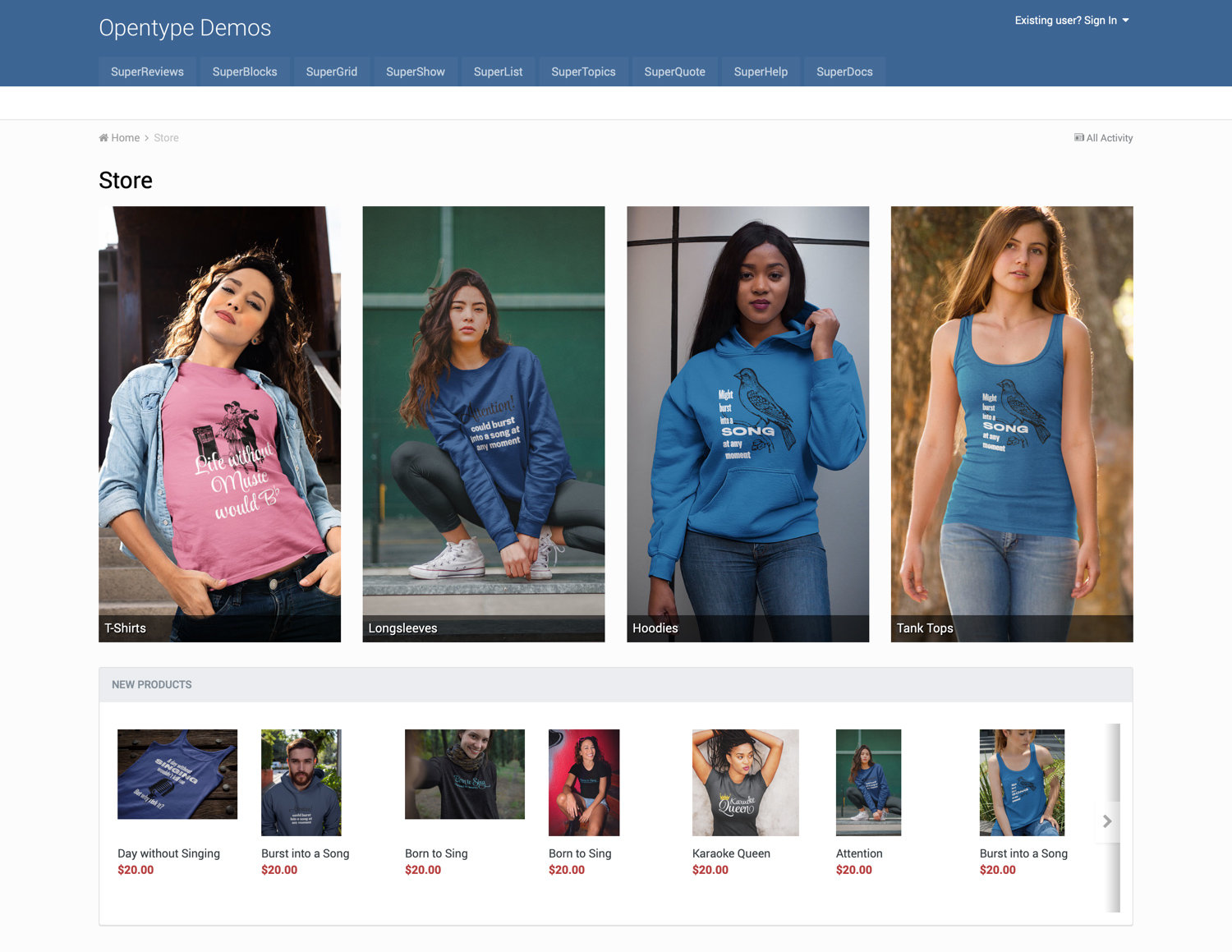
Like Enhanced Forum Views, this a set of layout tweaks I created for my own sites, now turned into a plugin for everyone to use. It gives your Invision Community store layout options not available in the stock Commerce software. Let your store stand out! Remove the sidebar if you don’t need it and pick the right amount of grid items and the perfect aspect ratio for your category images. All through settings. No HTML knowledge and theme customization required. Complete list of features below. Wh
- Core/theme extension
opentype- 1,886 views
-
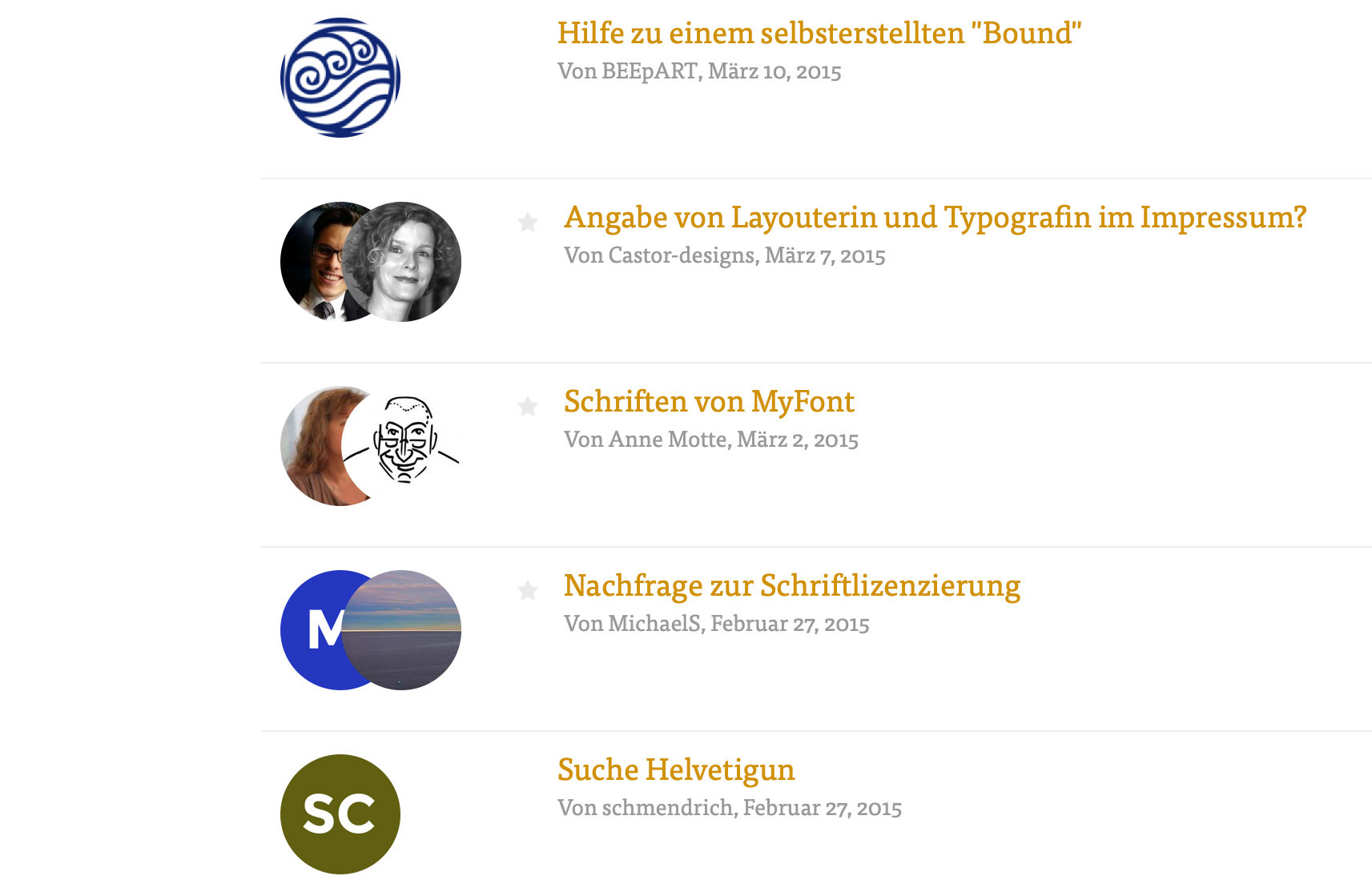
The is a bundle of small layout tweaks I use on my own community sites to change the look of the forums app. I turned them into a plugin so I and anyone else can use them easily without any manual changes to the theme code. The main feature is a forum listing change, which puts the users into focus with large avatar images of the person creating the topic and the last poster. I’ve seen this on a community website once and it instantly convinced me. Instantly showing the people behind the posts
- Core/theme extension
opentype- 2,594 views
-
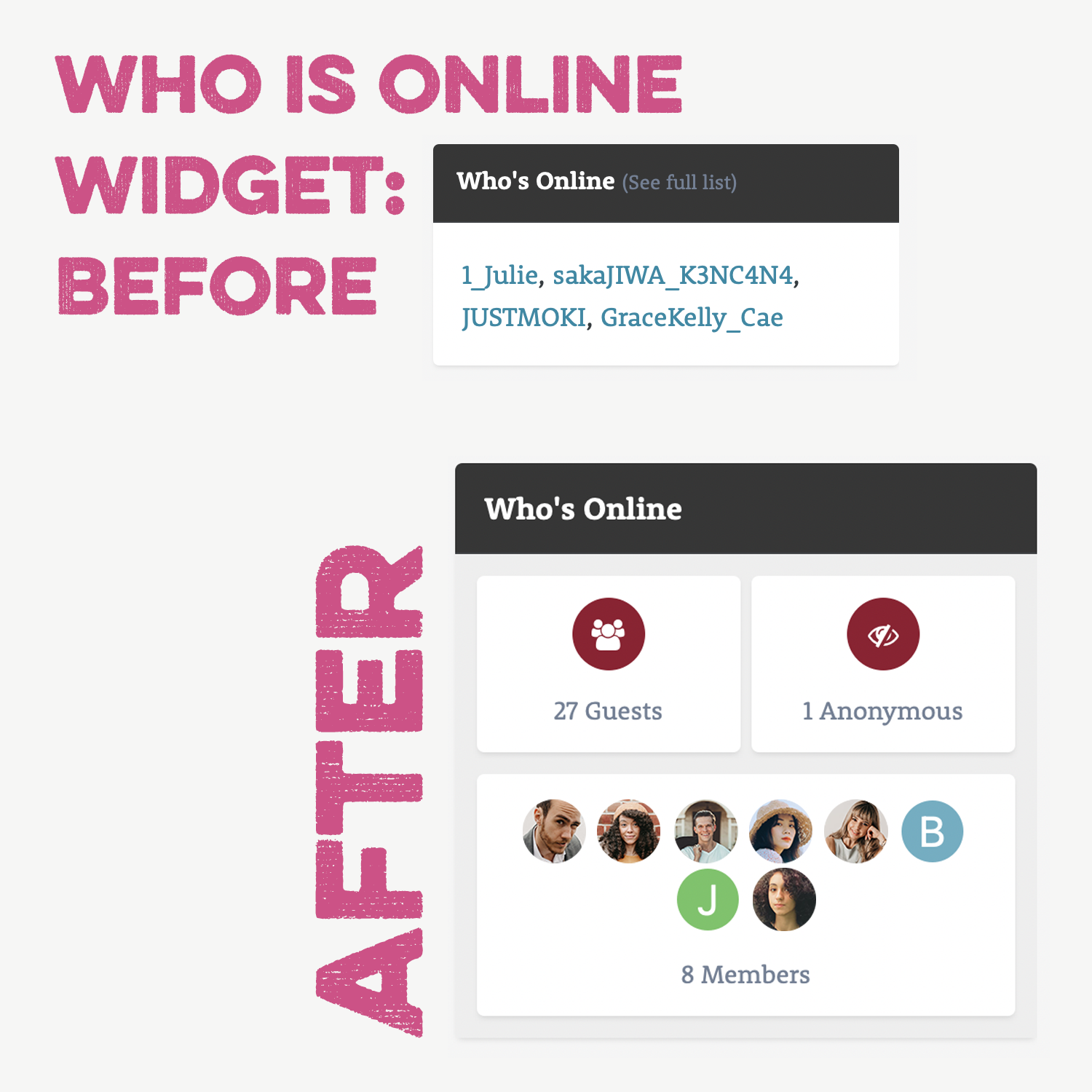
This plugin adds two widgets to your website, which improve the core widgets “Who is online” and “Recently Browsing” through a new design. The members are not only shown with their username, but also with their avatar. Available global settings: Widget background: normal or light Maximum number of avatar images to show Notes: Works with any installation of the Invision Community as it is based on core widgets. Access permissions are respected. If member profiles cannot be accessed by guests
- Standalone widget
opentype- 1,322 views
-
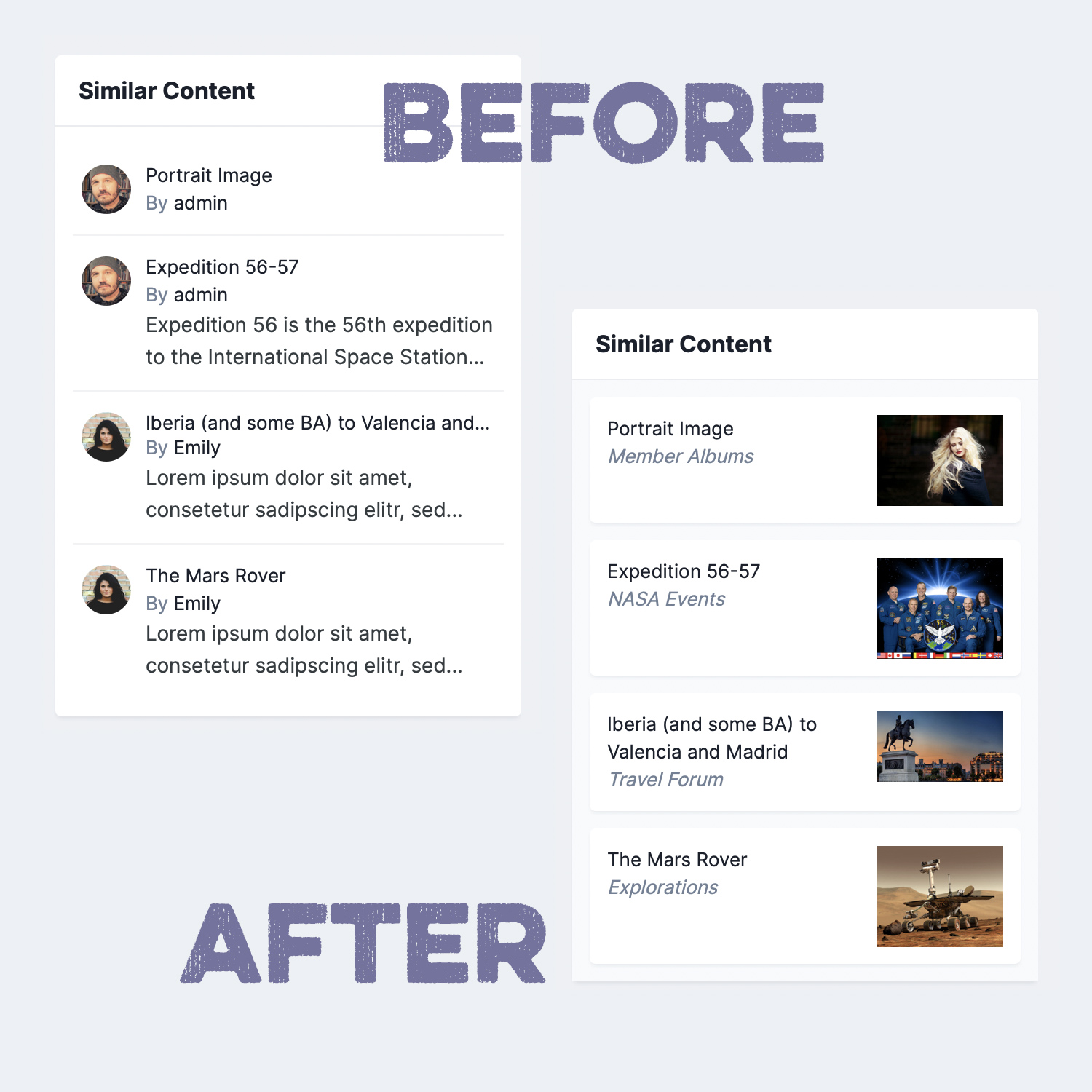
Tags and IPS’ Similar Content widget are a powerful way to provide helpful additional content on a page and to increase the page view count, since there are always more related entries suggested. Unfortunately, the stock version of the Similar Content widget is rather dull. This plugin takes the Similar Content widget to a new level. It retrieves images from the entries (where available) and it also shows the entry’s container name so your users understand where they will be taken before clickin
- Standalone widget
opentype- 1,805 views
-
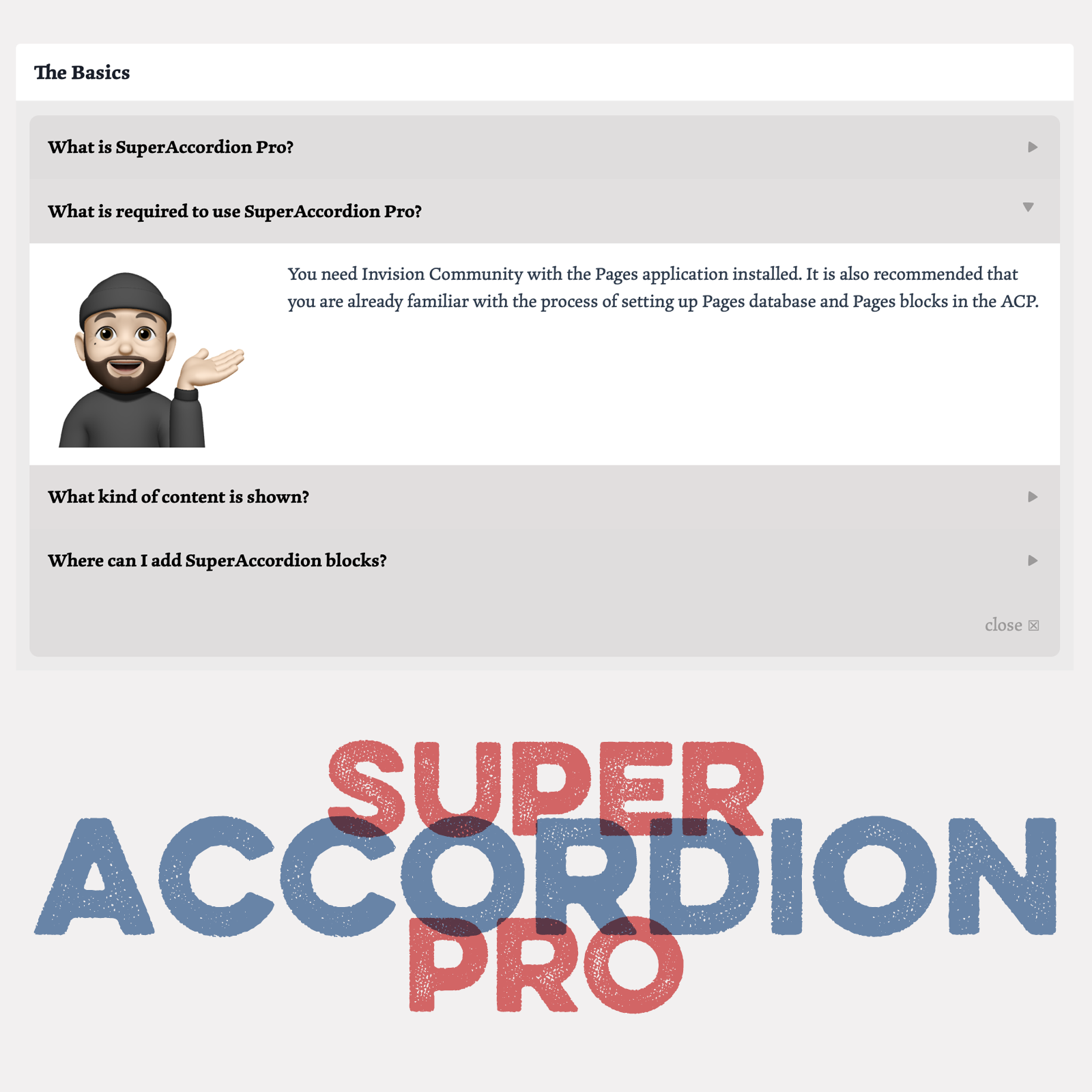
SuperAccordion Pro is a (record feed) block template for Pages databases. It allows the display of database records in a compact way where users don’t have to open each record to see the content. You can use it for FAQ databases, instructions and similar uses with text content consisting of one or a couple of paragraphs. What is required: Latest IPS installation with the Pages applications and access to Pages Databases You should be familiar with setting up Pages databases and Pages blocks. (Ke
- Pages block template
opentype- 1,395 views
-
This plugin removes the “Contact Us” text link in the footer and places a much more prominent sticky button in the bottom right corner. When clicked, it loads the regular contact form as a pop-up window. With this change visitors are more likely to reach out to you, e.g. with pre-sale questions. The plugin comes with lots of settings to make it fit your needs. The output is limited to one language though. No multi-language support. Features/Settings: Button Change text Change background color
- Core/theme extension
opentype- 3,824 views
-
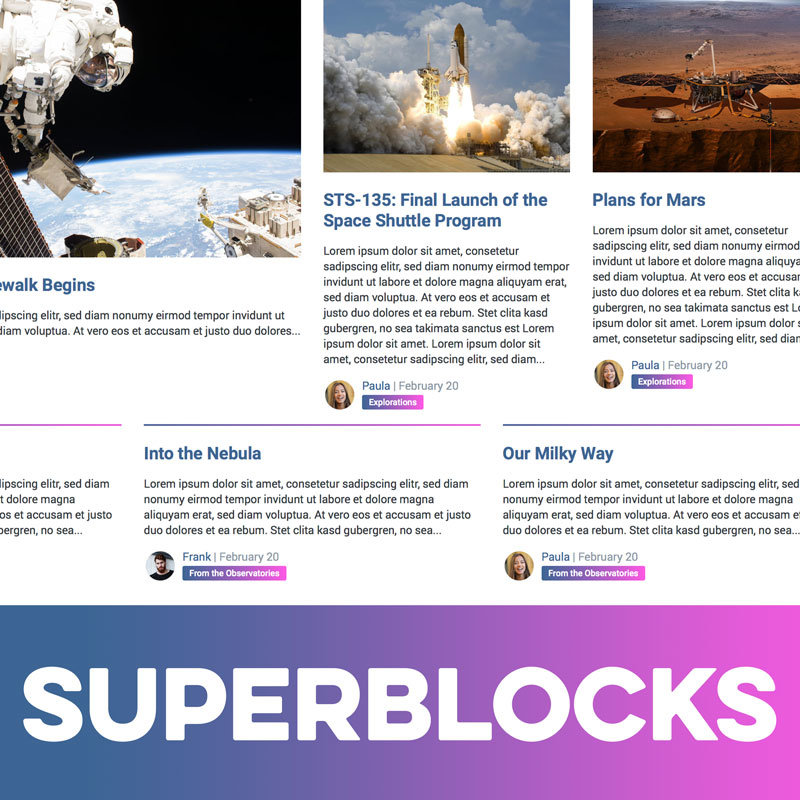
Create the community frontpage you always wanted just with drag&drop! This plugin & template set let’s you create a beautiful frontpage in the style of magazine or newspaper websites. You can display content from all your IPS apps: Core (Clubs, Calendar), Forums, Pages, Gallery, Downloads, Blogs. That’s 9 block types in total! But there is more: You choose the look of each block from 6 different layouts! Mix and match however you like! Feature a single article, show your recent clubs, al
- Pages block template
opentype- 2,834 views
-
Pages SuperDirectory is a set of Pages templates to create directory sections on your site using Pages databases. Use the full power of Pages combined with a beautiful and engaging template set. You can create any type of directory: Job boards, company directories, links from your field, developers on your site … whatever you want! Check out the live demo! What’s needed: Pages application with access to Pages Databases You should be familiar with setting up Pages database. Your Pages databas
- Pages database template
opentype- 2,017 views
-
Pages SuperDocs is a set of responsive Pages templates. It is loosely based on the design of the IPS Developer Documentation section, but the concept has been extended into a turnkey solution for all sorts of category-based Pages databases. What’s needed: Pages application with access to Pages Databases A pages database that uses Categories. (Up to 4 levels can be shown in the Record View navigation) What’s recommended: Pages SuperDocs is compatible with the Pages Category Images plugin. Up
- Pages database template
opentype- 2,326 views
-
By default, Pages databases work best for articles. This template sets puts the Record Image field front and center. As a result, Pages categories can now be turned into beautiful & minimalistic galleries, where each record represents one image (with a title and description). All Pages functionalities like comments, ratings, reviews and custom fields are also available. The original idea was to create a template set for online art exhibitions, but the template set has a wide range of possib
- Pages database template
opentype- 1,393 views
-
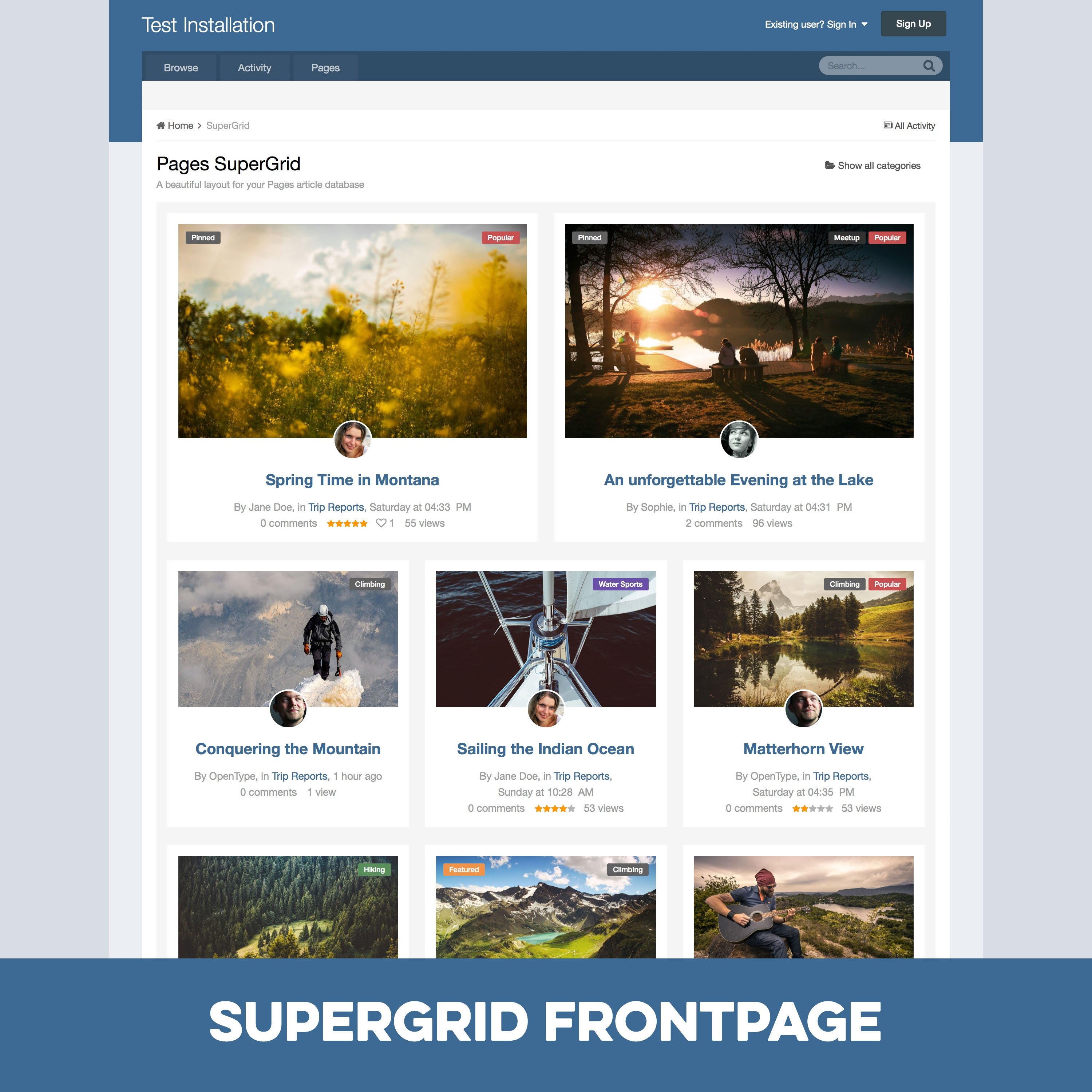
Pages SuperGrid is a set of Pages templates and a complete solution to make your Pages databases (with articles, directories and so on) appealing and engaging. SuperGrid was one of the most popular files in the Applications & Plugins category on the IPS Marketplace and is used on hundreds of websites. What’s needed: requires the Pages application and Pages databases using the stock Record Image with images with a sufficient resolution Which templates are included: A beautiful grid-based
- Pages database template Pages block template
opentype- 3,815 views
-
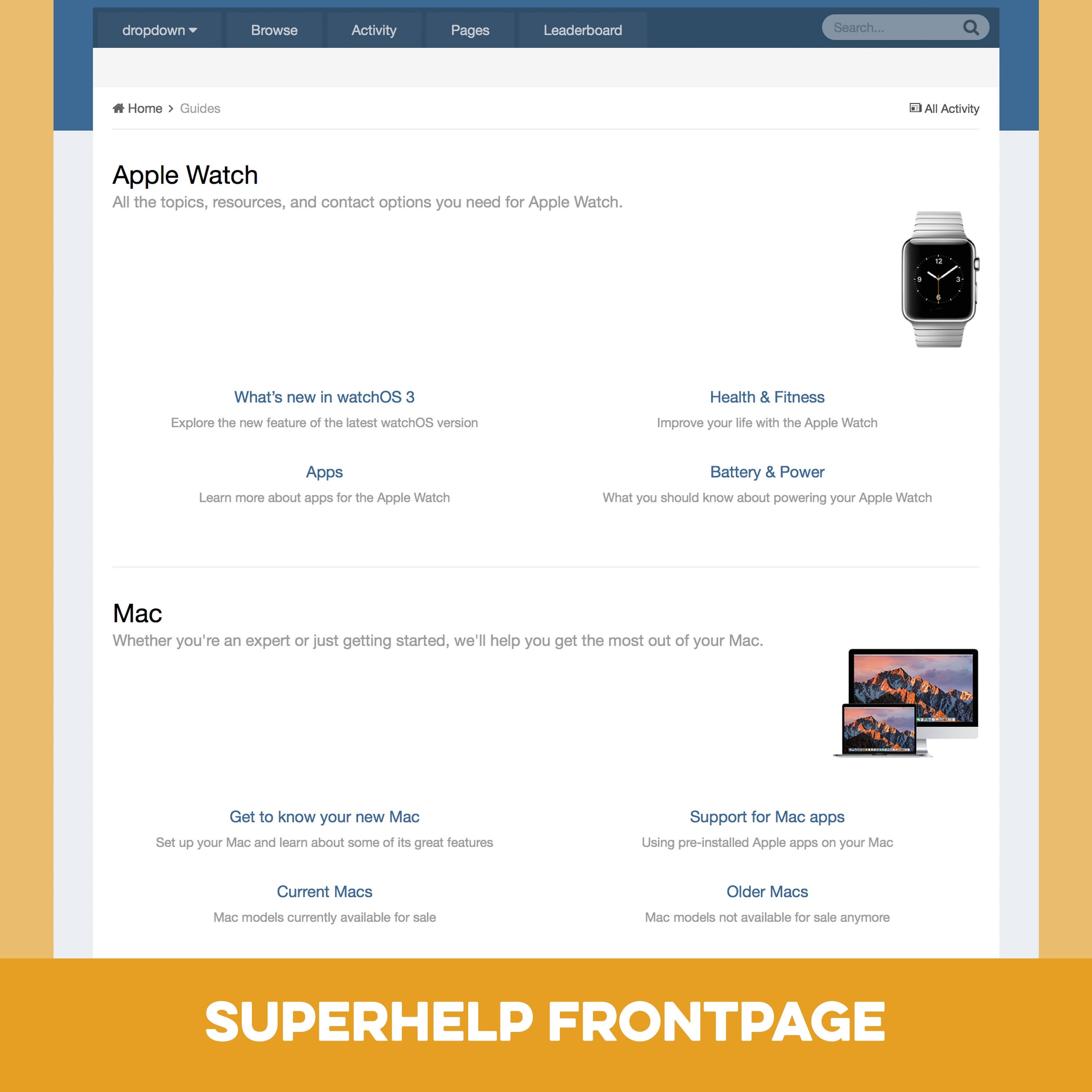
Pages SuperHelp is a set of Pages templates for help/FAQ sections, tutorials, online courses and similar content. What’s needed: Pages application with access to Pages databases A Pages databases that uses several levels of categories. Benefits of SuperHelp: The Pages stock templates are limited to show only one level at a time: One level of categories; one level of record links in one category; one full record. SuperHelp is based on an older version of IPS’ Help Guide Section and can show
- Pages database template
opentype- 2,173 views
-
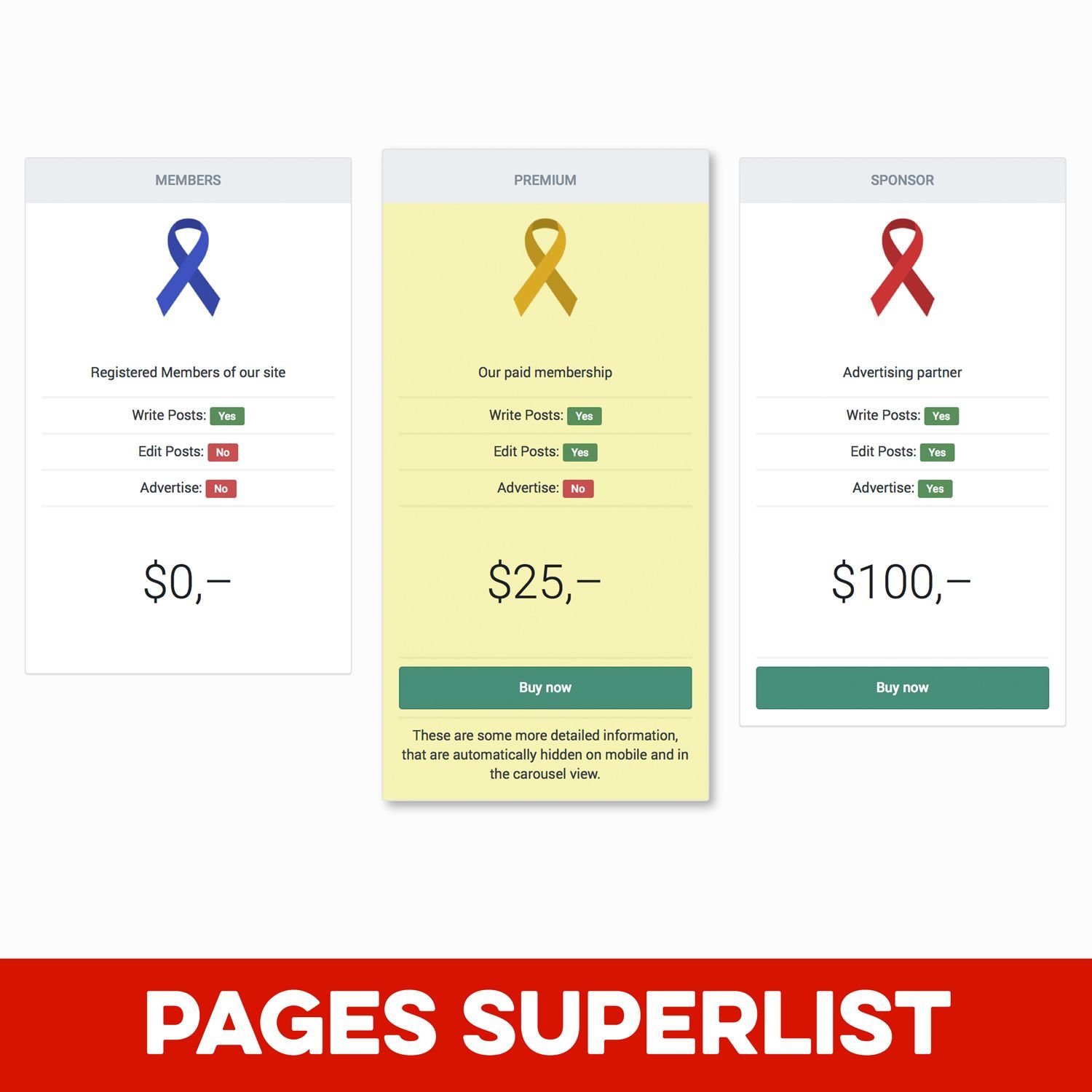
Pages SuperList is a Pages block template to show content in a beautiful, engaging and of course responsive column view. The data for SuperList blocks comes from Pages databases you set up just for this purpose as a source. This gives you great flexibility, since you can use the full range of Pages database fields ☞ Text, URLs, badges, YouTube videos, images, … you name it! Use SuperList to show your membergroup benefits, your team members, your sponsors … or any other content you want to highli
- Pages block template
opentype- 2,623 views
-
Pages SuperQuote is a set of Pages templates to create a beautiful quotation database on your site using the Pages application. Add quotes from your field to your site or let users submit them. Attract new visitors with your new quote database! The quotes are shown on a dedicated quotes page and optionally in blocks you can put anywhere on your site. A settings plugin makes it easy to customize the look of your quotes. What’s needed: Pages application with access to Pages Databases You should
- Pages database template Pages block template
opentype- 2,366 views
-
Pages SuperReviews is a set of Pages templates to create review sections on your site using Pages databases. Use the full power of Pages combined with a beautiful template set adding additional functionality, like multiple review fields per entry, review Pro’s and Con’s, review quote and easy-to-use galleries. What’s needed: Pages application with access to Pages Databases You should be familiar with setting up Pages databases. What is included: A Pages template set for the views: frontpage
- Pages database template Pages block template
opentype- 2,297 views
-
SuperShow is a widget to show RSS feeds from YouTube in a beautiful and engaging way with thumbnails or even video embeds. A useful addition for almost every community—whether you have your own video channel or just want to show content from around your community topic. What’s needed: your PHP settings need to allow loading external files (allow_url_fopen) and support SimpleXML calls to external sources You can test your server setup in advance with this test script. Download the ZIP and extr
- Standalone widget
opentype- 2,261 views
-
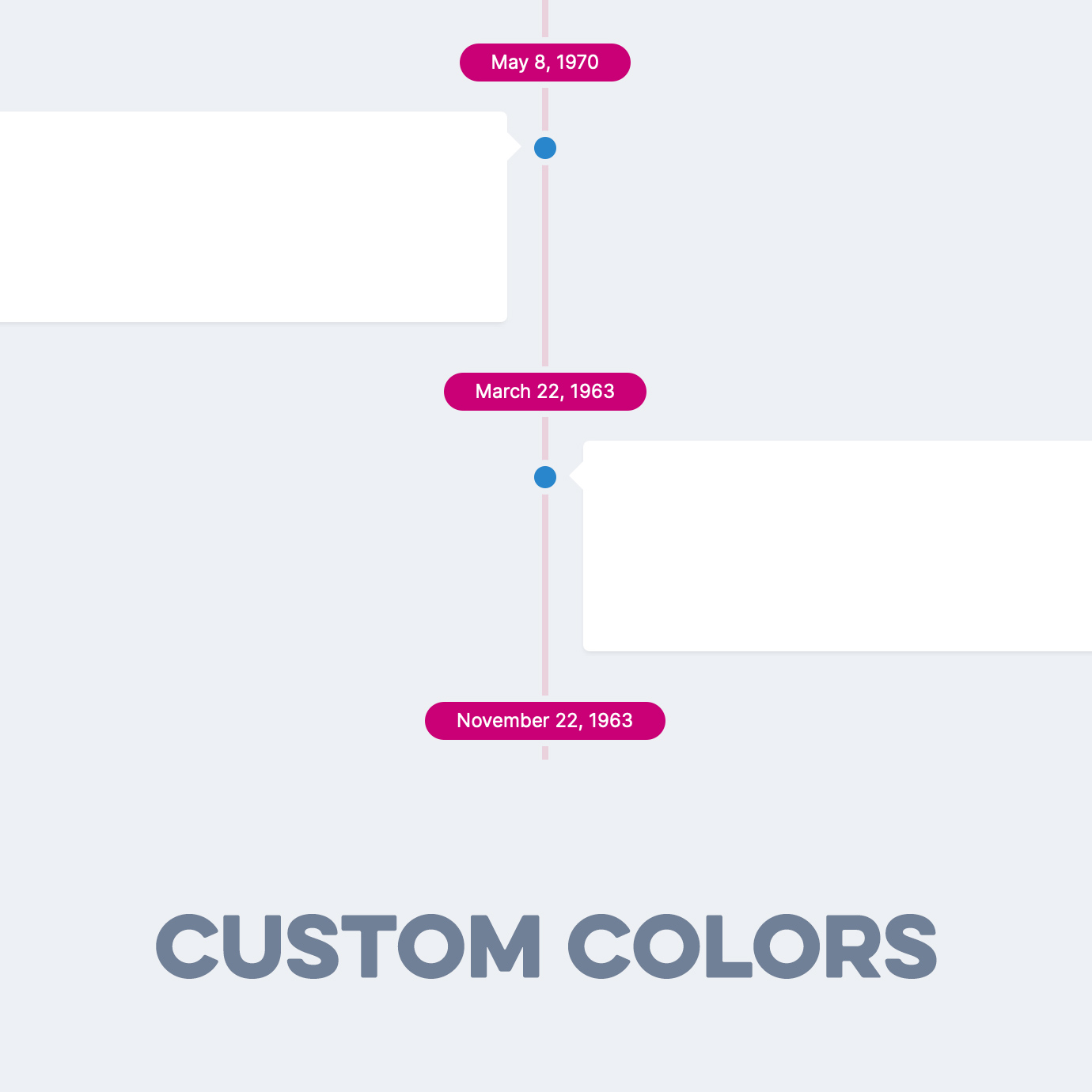
SuperTimeline is a carefully crafted listing template for Pages databases. As the name suggests, it allows you to show Pages records as a timeline. The template is fully responsive, supports left-to-right or right-to-left websites and comes with lots of options for granular control of what is shown in the listing template. The template has 3 modes: Mode 1 will show the database order field next to the entry. Perfect for entries representing events that happened on a specific day. Mode 2 shows
- Pages database template
opentype- 1,503 views
-
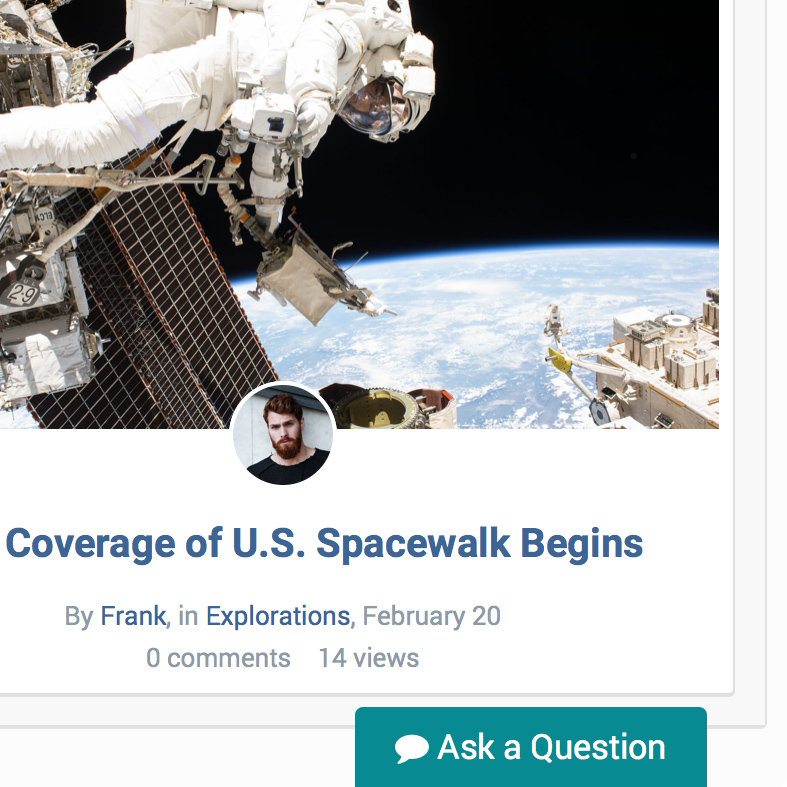
Pages SuperTopics is a set of Pages block templates to show topic and post feeds from the forums app in the popular SuperGrid layout, previously only available for Pages databases. The SuperTopics templates pull the first image attachment from each post/topic and show these images beautifully along with the post title. Perfect for forums where posts usually contain images or where you want to highlight certain topics. What’s needed: This product requires both the Forums application and the Pa
- Pages block template
opentype- 2,214 views
-
SuperVote is a Pages listing template to add a thumbs-up/thumbs-down functionality to create engaging voting databases like ranker.com. While Pages databases already have a rating functionality, each record needs to be opened first and a rating value between 1 and 5 has to be chosen. With SuperVote, voting gets much easier and you will get a lot more votes. What’s needed: Invision Community 4.5 with the Pages application You should be familiar with setting up Pages databases How it works: Un
- Pages database template
opentype- 1,485 views